WhatsApp Ditches the Assistant Shortcut for a Real In-Car Interface
 D.Novikov
WhatsApp now has its own Android Auto and Apple CarPlay interface, letting drivers hear messages, reply, and call — all hands-free, no keyboard required.
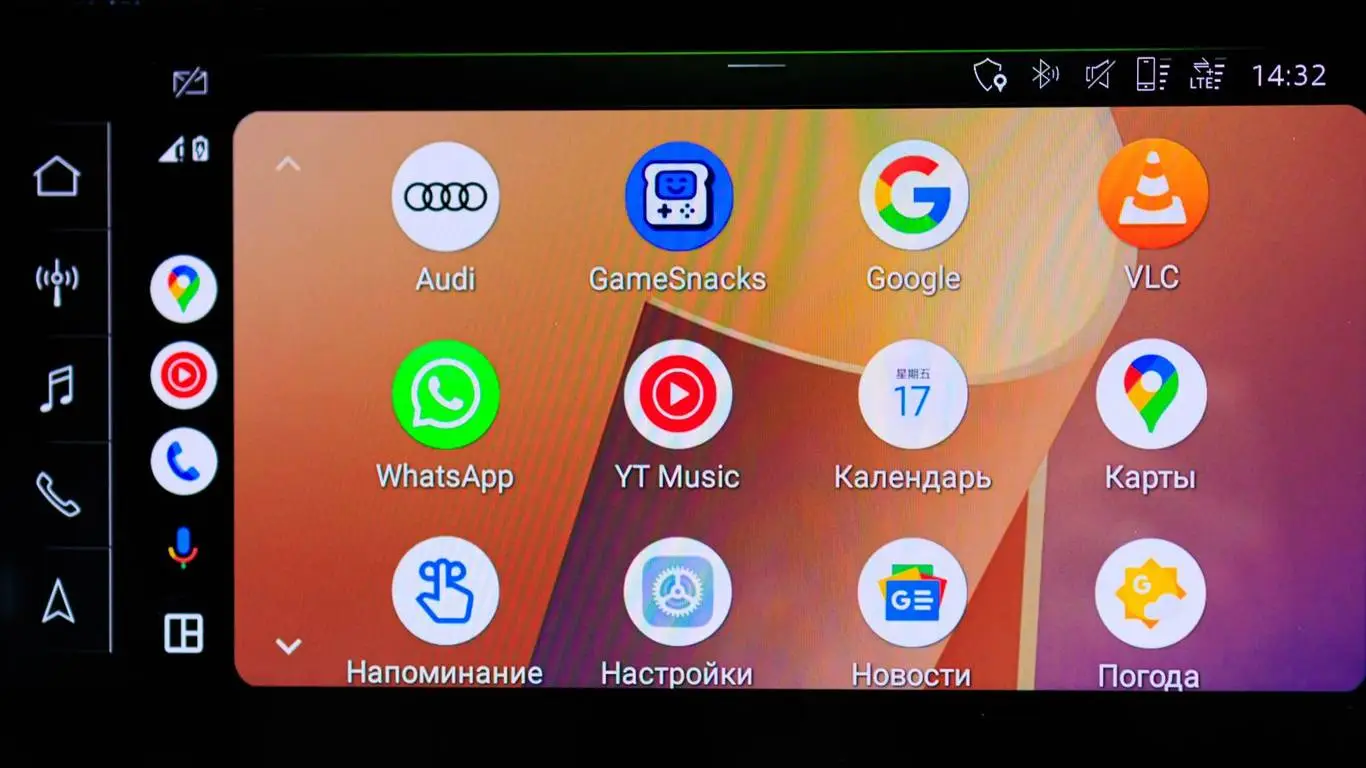
WhatsApp is no longer limited to reading out notifications through Siri or Google Assistant — the messenger now has its own interface for Android Auto and Apple CarPlay. Drivers get a conversation list, voice playback of messages, replies, calls, call history, and favorite contacts. Control stays entirely voice-based: there’s no on-screen keyboard for typing.
Until now, the messenger’s in-car integration mostly meant issuing commands to a voice assistant. Now drivers can tap the WhatsApp icon on the infotainment screen, pick a recent chat or contact, and start a call. Audio runs through the car’s own speakers.
No separate in-car app needs to be installed. The rollout began on July 22, 2026: users need the latest version of WhatsApp from Google Play or the App Store, then to reconnect their phone to the car. Since the feature is rolling out gradually, the icon may not appear for everyone at once.
The new interface doesn’t turn the car screen into a regular smartphone. Reading a long thread or typing out a reply while driving still isn’t possible — messages are read aloud, and replies are dictated. That limits how often you touch the screen, but a voice conversation can still pull attention away from the road.
Before a drive, it’s worth checking the voice assistant’s language, WhatsApp’s microphone permission, and the list of favorite contacts. Passengers are worth considering too — an incoming message can play out loud through the cabin speakers, so private conversations are safer to open once the car has stopped.
Meta hasn’t announced support for attachments, video calls, or full chat browsing in the car interface yet. Confirmed so far: messages, voice replies, regular calls, call history, and favorites.