Android Auto 17.2: how to update now via APK and what the big overhaul brings
 D.Novikov / 32CARS
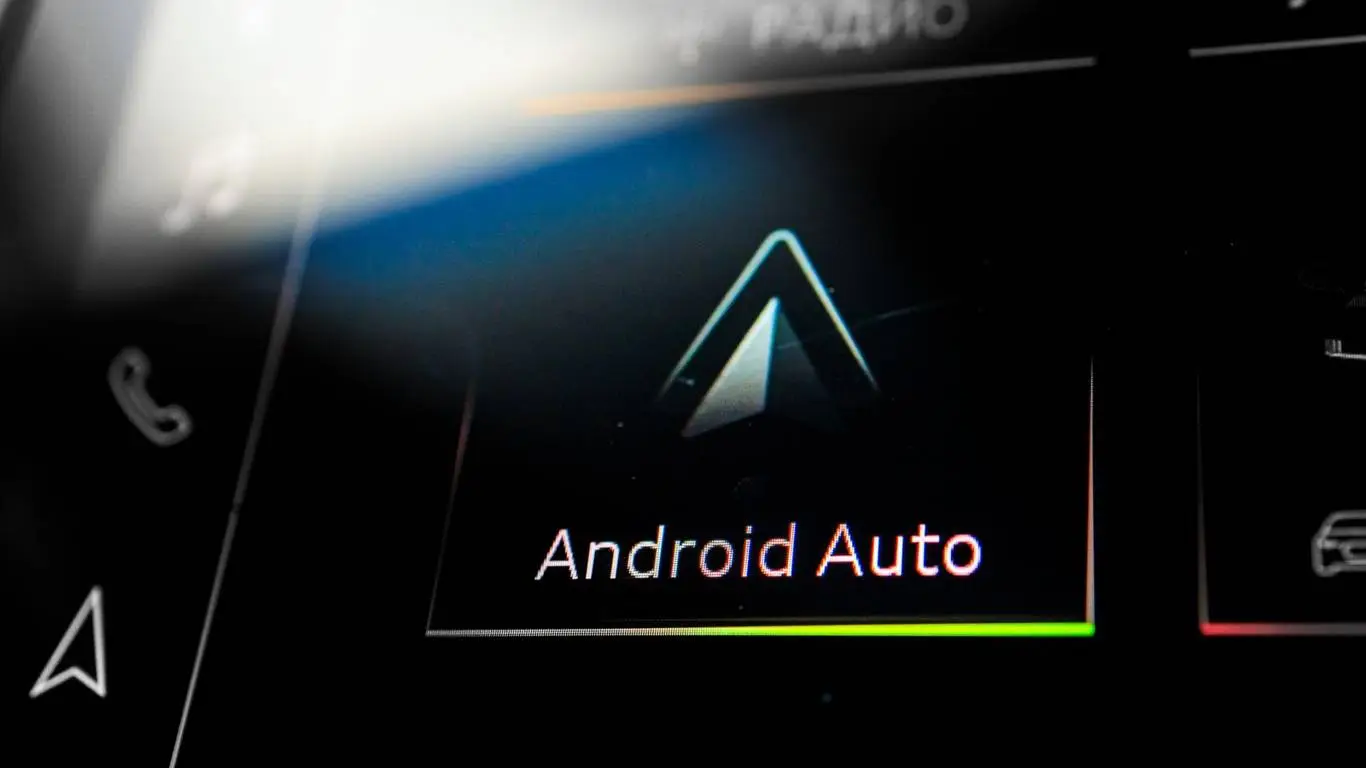
Google is rolling out Android Auto 17.2 to everyone. There's no new interface yet, but you can grab the APK now and get the system ready for the big update coming later this year.
Google has rolled out Android Auto 17.2 to regular users, but this isn't the update that suddenly changes the interface in your car. Its value is practical: you can update early without waiting your turn in the Play Store and get the system ready for the bigger Android Auto overhaul due in the second half of the year.
According to 32CARS, the new build ships in stages, so on some phones it shows up right away, while on others it may take a couple of weeks. Skipping the wait is easy: just download the APK Android Auto 17.2.6626 and install it over your current version. There's no need to delete the old app — the update replaces the necessary files on its own.
Google didn't publish a changelog, and that's a telling detail: Android Auto 17.2 doesn't bring the promised new interface, doesn't add YouTube right now and doesn't turn the media screen into a full tablet. It's most likely about internal fixes, compatibility and groundwork for the next stage. For drivers the takeaway is simple: you can install it, but don't expect a noticeable “wow effect” from this particular version.
What's coming later is far more interesting. Google has already promised a major Android Auto update with widgets, YouTube support and more flexible use of different screen formats. That matters most for modern cars with wide displays, vertical tablets and unconventional media panels: today's Android Auto doesn't always use that space as well as the built-in systems from Geely, Chery, Haval or Volkswagen.
YouTube will only work while parked. On the move the video is switched off, though with Premium playback can continue in audio mode. The logic is sound: lawyers and safe-driving instructors keep reminding us that video on the central screen while driving isn't entertainment but a distraction. It's a practical point, too — after a crash, investigators and insurers won't be looking at a “handy feature” but at whether the driver was taking their eyes off the road.
Widgets look like the more useful change. Weather, your calendar, navigation prompts or data from apps could sit on the screen without extra taps. Google's approach differs from CarPlay: there's no separate widget screen promised, with the elements appearing next to the main shell instead. If it's done well, Android Auto will move closer to the built-in media of new Chinese cars, where the large screen has long been used for more than just the map.
Android Auto 17.2 is an update without a loud showcase but with a clear purpose: Google is clearing the path for features that will genuinely change how drivers behave at the screen. The key thing is that the next step turns out to be not a pretty demo but a convenient and safe tool for everyday driving.